
Today’s renters expect the same instant, on-demand convenience from their apartment community that they get from their banking or favorite travel apps. Homebody delivers exactly that: a suite of resident self-service tools designed to handle routine interactions digitally, giving property managers their time back to focus on growing their business.
Think of this article as your practical blueprint for reducing inbound questions, freeing up your team, and rolling these tools out seamlessly across your portfolio.
What Resident Self-Service Means Today
In property management, resident self-service means building a digital front desk that never closes. It allows residents to manage their accounts, check balances, and review policies on their own schedule.
This isn’t about replacing the human touch or erasing your team; it’s about giving your property managers the capacity for high-value work. According to the State of Resident Experience Report, self-service is no longer a luxury perk—it’s the default expectation. Fewer inbound inquiries mean more time for community building, faster lease renewals, and better service when residents genuinely need face-to-face help.
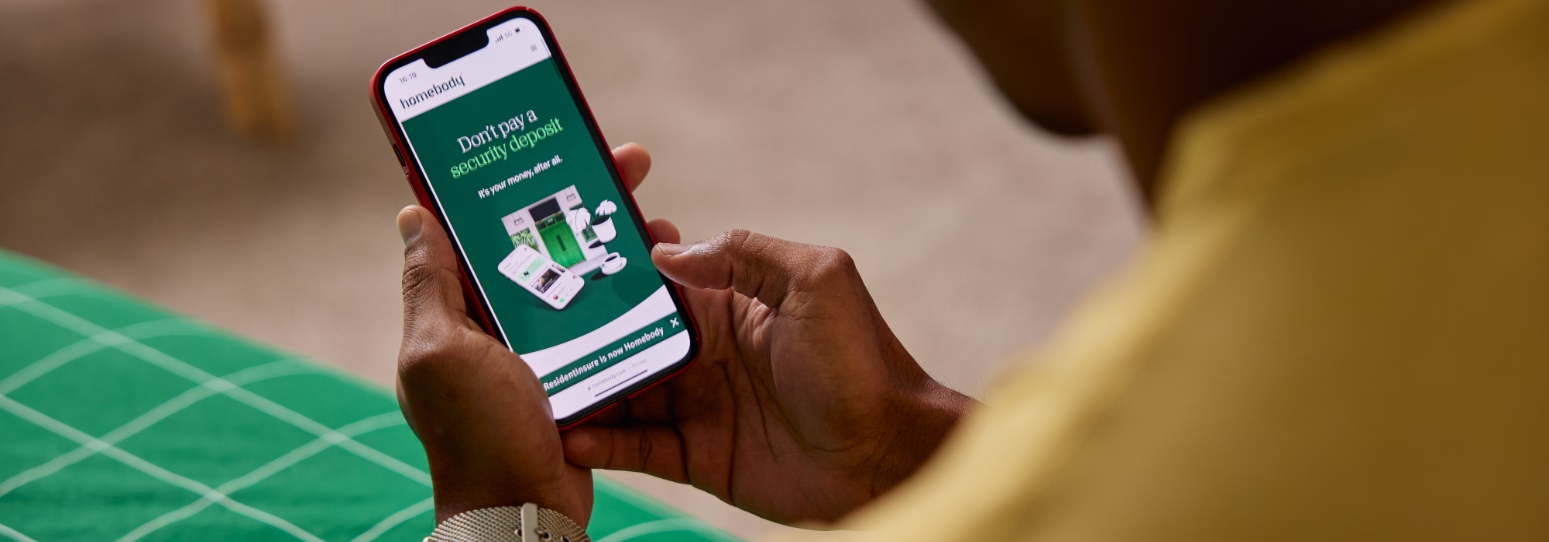
The Homebody Resident Portal: Your Digital Hub
The Homebody resident portal serves as the single digital front door for your community. Rent, maintenance, documents, insurance, and FAQs live under one login, accessible via any web browser or mobile app.
Centralizing these actions is the fastest way to stop scattered questions across phone, email, and text. Beyond basic account management, the portal can be customized to handle amenity reservations, package notifications, and even keyless entry. Property managers can easily toggle features on or off, ensuring residents see exactly what they need—and nothing they don't. The result? A noticeable drop in front-desk traffic within the first two months.
Key Features That Drive Adoption:
- One-Tap Online Rent Payments with autopay options and real-time digital receipts.
- Smart Maintenance Requests featuring photo uploads and live status tracking.
- Real-Time Insurance Compliance with automated renewal reminders.
- A Searchable Help Center to answer common community policy questions.
Online Rent Payments: Retiring the "How Do I Pay?" Cycle
Payment queries are traditionally the number-one driver of monthly inbound office traffic. Homebody solves this by offering flexible digital payment options—including bank transfers, debit, and credit cards—right from a smartphone.
Clear due dates, automatic push notifications, and clear itemized balances cut down on the usual first-of-the-month confusion.
How the Portal Answers the Regulars:
- When a resident asks, "Where do I mail my check?": The payment tab completely bypasses this by clearly displaying all secure, paperless digital payment options.
- When a resident asks, "Did my payment go through?": The portal eliminates follow-up calls by instantly generating and storing real-time digital confirmation receipts.
- When a resident asks, "What is this extra charge?": Instead of a phone dispute, the portal provides clear, itemized line items breaking down exact utility costs or community fees.
- When a resident asks, "When is rent due?": A prominent countdown dashboard displays the exact due date the second they open the app.
Pro-Tip: Aim for at least 70% resident adoption of online payments within three months. Portfolio leaders can easily compare adoption rates across properties to see where a little extra resident education might be needed.
Triage and Track Maintenance Without the Phone Tag
Maintenance is the second-largest source of resident inquiries. Through Homebody, residents can submit requests, attach photos of the issue, select their preferred entry times, and note urgency levels.
Once submitted, the transparency kicks in. Residents can follow a clear visual timeline: Submitted ➔ In Progress ➔ Scheduled ➔ Completed
Every status update triggers an automated notification (e.g., "Your work order #4821 has been scheduled for Tuesday between 10 AM and 12 PM"). This eliminates the classic "Any update on my leak?" phone calls. Furthermore, a dedicated "Emergency vs. Non-Emergency" guide built into the portal prevents routine fixes from flooding your after-hours emergency lines.

Documents, Policies, and Insurance: Answers on Demand
“Can my guest park overnight?” “What is the pet policy?” “Did you get my updated renters insurance?” Instead of letting these questions clutter your inbox, Homebody stores lease agreements, community addendums, and community rules right in the portal, organized by category.
For renters insurance, residents can upload their proof of coverage directly, track their compliance status, and receive automated alerts when it’s time to renew. This is especially useful during move-in, allowing incoming residents to complete checklists, verify their identity, and upload documents before they ever step foot in the leasing office to collect their keys.
Build a Content-Rich Knowledge Base
A searchable self-help section lets you publish quick answers to hyper-local questions. Great topics to include:
- How to set up local utilities.
- Package locker and mailroom retrieval rules.
- Trash valet schedules and recycling guidelines.
- Wi-Fi troubleshooting and router locations.
Communication Tools That Save Staff Time
Instead of relying on chaotic mass emails or printed paper flyers taped to elevators, Homebody offers structured, trackable communication tools.
Property managers can send one-to-many announcements for building-wide updates—like fire alarm testing, parking lot paving, or holiday hours. Message templates and scheduled sends allow your team to plan ahead, keeping residents informed before the office gets flooded with questions.
Put Automation to Work
Set up event-based reminders to trigger automatically throughout the year:
- Rent reminders sent 5 days and 2 days before the 1st of the month.
- Lease renewal notices triggered at the 90, 60, and 30-day marks.
- Automated maintenance feedback surveys sent 24 hours after a job is completed.
Measuring Success: KPIs to Watch
You can’t manage what you don’t measure. To ensure you’re getting the maximum return on your self-service investment, keep an eye on these essential six-month performance targets:
- Online Rent Payment Adoption: Aim for 60% to 70% of your total households utilizing digital payments.
- Portal Logins: A healthy engagement baseline is 3 to 5 active logins per unit, per month.
- Digital Maintenance Requests: Target having at least 50% or more of your total work order volume submitted through the portal.
- Routine Inbound Inquiries: Look for a 30% to 50% reduction in routine phone calls and emails regarding basic property operations.
Reducing just a handful of these routine interactions can save several hours per week, per property. For a multi-property portfolio, that recovered time quickly adds up to equivalent full-time hours that can be reallocated to active leasing and retention strategies.
Your 4-Week Rollout Blueprint
A successful launch takes a little bit of planning. Here is a realistic timeline for a mid-sized property:
- Weeks 1–2: Configuration & Integration. Import your rent rolls, upload community policies, link payment systems, and configure your feature toggles.
- Week 3: Staff Training & Testing. Walk your on-site teams through both the admin dashboard and the resident-facing app. Run a few test payments and work orders.
- Week 4: The Resident Launch. Launch your marketing campaign. Send welcome emails with direct portal links, place signs in the lobby, and add flyers to move-in packets.
Training Your Team to Champion the Portal
The golden rule of self-service: Your tools are only as effective as your staff’s willingness to promote them. If a resident calls with a basic question and your team answers it over the phone instead of guiding them to the portal, adoption slows down.
Coach your front-desk and leasing teams to gently redirect simple questions: "I can absolutely check that balance for you, but did you know you can view the live itemized breakdown right on your app dashboard? Let me show you where it sits so you always have it."

.jpg)