Please review Homebody's Privacy Notice and any privacy notices provided by your property for more information about how your information is collected, used, and protected.
Same login. Same rent date. Same team. Nothing to redo, just a new app to open.
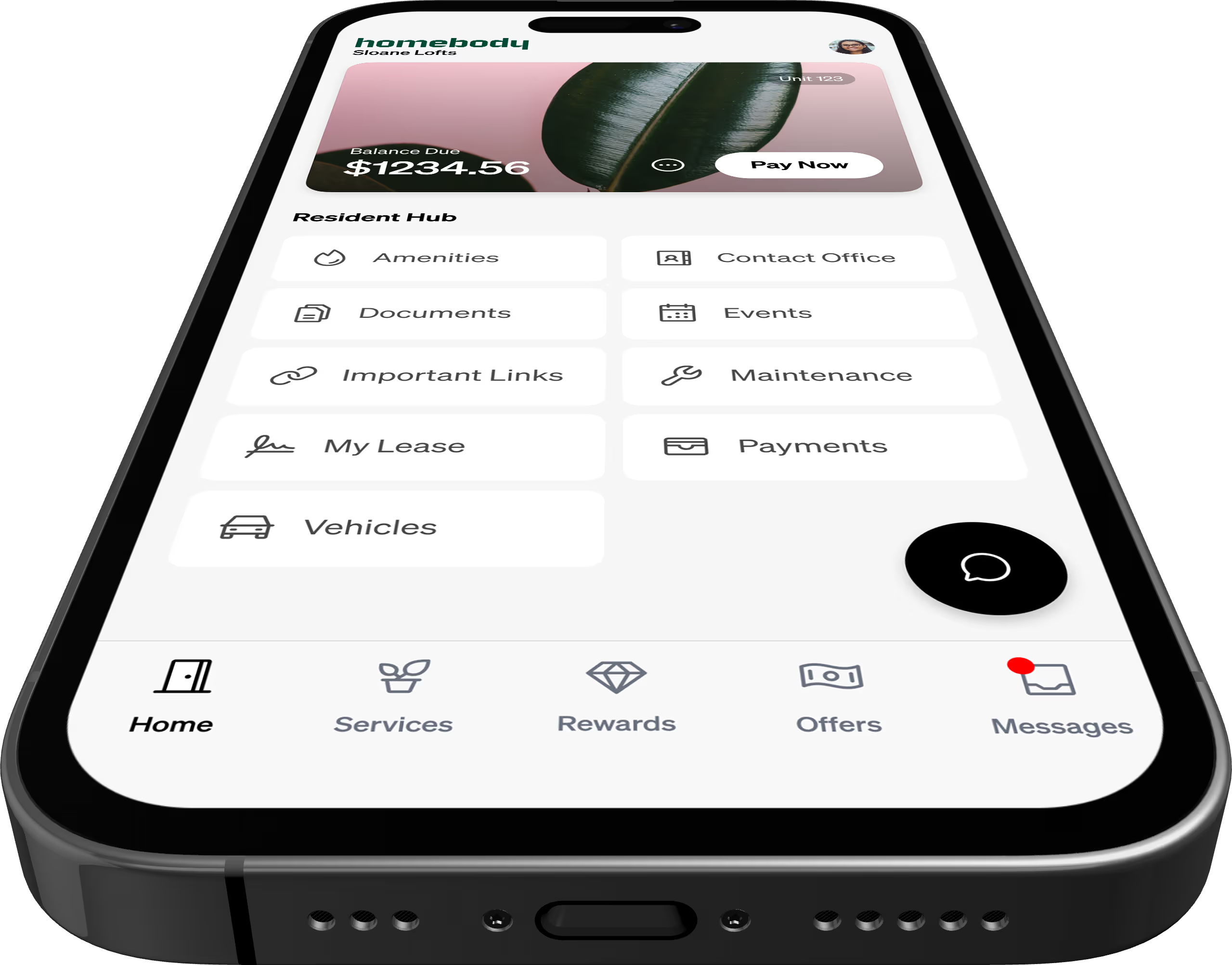
Or continue in your browser, no download required.
Use the same email and password from ResidentPortal.
Pick up right where you left off. Rent, maintenance, everything's already there.
Please review Homebody's Privacy Notice and any privacy notices provided by your property for more information about how your information is collected, used, and protected.
If your payment history, autopay settings, or maintenance history does not look correct after the transition, contact your property management team. They can review your resident account and help resolve any issues.
After logging in, please:
Once your property has transitioned to Homebody, ResidentPortal may no longer be available for your community. Please use Homebody for payments, maintenance requests, and other resident services going forward.
No. Moving to Homebody does not change your rent, fees, lease terms, or payment obligations. Any charges shown in Homebody are based on your account with your property.
If your property supports saved payment methods in Homebody, your saved payment information may be available after the transition. To protect your payment info, you may be asked to verify your details before your first payment or before continuing autopay.
In most cases, open maintenance requests will transfer to Homebody. After logging in, please check your maintenance section to confirm your request is visible. If you do not see an active request, contact your property management team.
Yes. Your maintenance history, including prior requests, will transfer to Homebody.
Yes. Your existing autopay settings will transfer to Homebody. After you first log in, we recommend reviewing your autopay settings to confirm they are accurate and reflect your current preferences.
Yes. Your payment history from ResidentPortal will transfer to Homebody, so you can continue to view your prior payment activity in the new app.
Depending on how your property set up Homebody, you may log in with your existing credentials or be asked to create access for the first time. Follow the instructions provided by your property management team.
Your property is moving from ResidentPortal to Homebody. Homebody is the new resident experience app where you can manage the same core resident tasks, including payments, autopay, and maintenance requests. Download the Homebody app from the App Store or Google Play, or access it at homebody.com.
Log in with what you already have.
If something looks off, we're here to help.