
If you’re reading this, your "home office" is likely a kitchen table, a coworking space, or a corner of a studio apartment. In 2026, a renter’s digital bag is often their most valuable asset. With flagship smartphones now clearing the $1,200 mark and laptops following suit, your tech isn't just a collection of gadgets—it’s your livelihood, your entertainment, and your connection to the world.
While device insurance used to be the "extra" offered at a retail checkout, it’s now a practical necessity for anyone living a mobile, renter-focused lifestyle.
The Reality of the Renter’s Risk
Renters face a unique set of tech hazards. You’re more likely to commute with your gear, work in shared spaces, and move apartments more frequently than someone with a fixed home office. In 2026, the risks have scaled with the technology:
- The Transit Factor: High exposure to theft or accidental drops on public transportation.
- Shared Spaces: Coffee spills in coworking hubs or "mishaps" involving roommates.
- The Cost of Complexity: A single screen replacement on a 2026 foldable model can now exceed $500.
Why Your Renter’s Insurance Isn’t the Answer
A common misconception is that a standard renter’s insurance policy is enough to protect your devices. While these policies are essential for major events like fire or apartment theft, they are rarely the right tool for everyday tech for three reasons:
- The Deductible Gap: Most renter’s policies have a $500 or $1,000 deductible. If your $400 iPad screen shatters, your insurance covers exactly zero dollars of the repair.
- Premium Spikes: Filing a claim for a single phone can cause your monthly renter’s premium to increase for years.
- The "Accident" Clause: Standard policies often exclude "accidental damage from handling"—meaning if you drop your phone in the sink or it slides off a bedside table, you’re on your own.
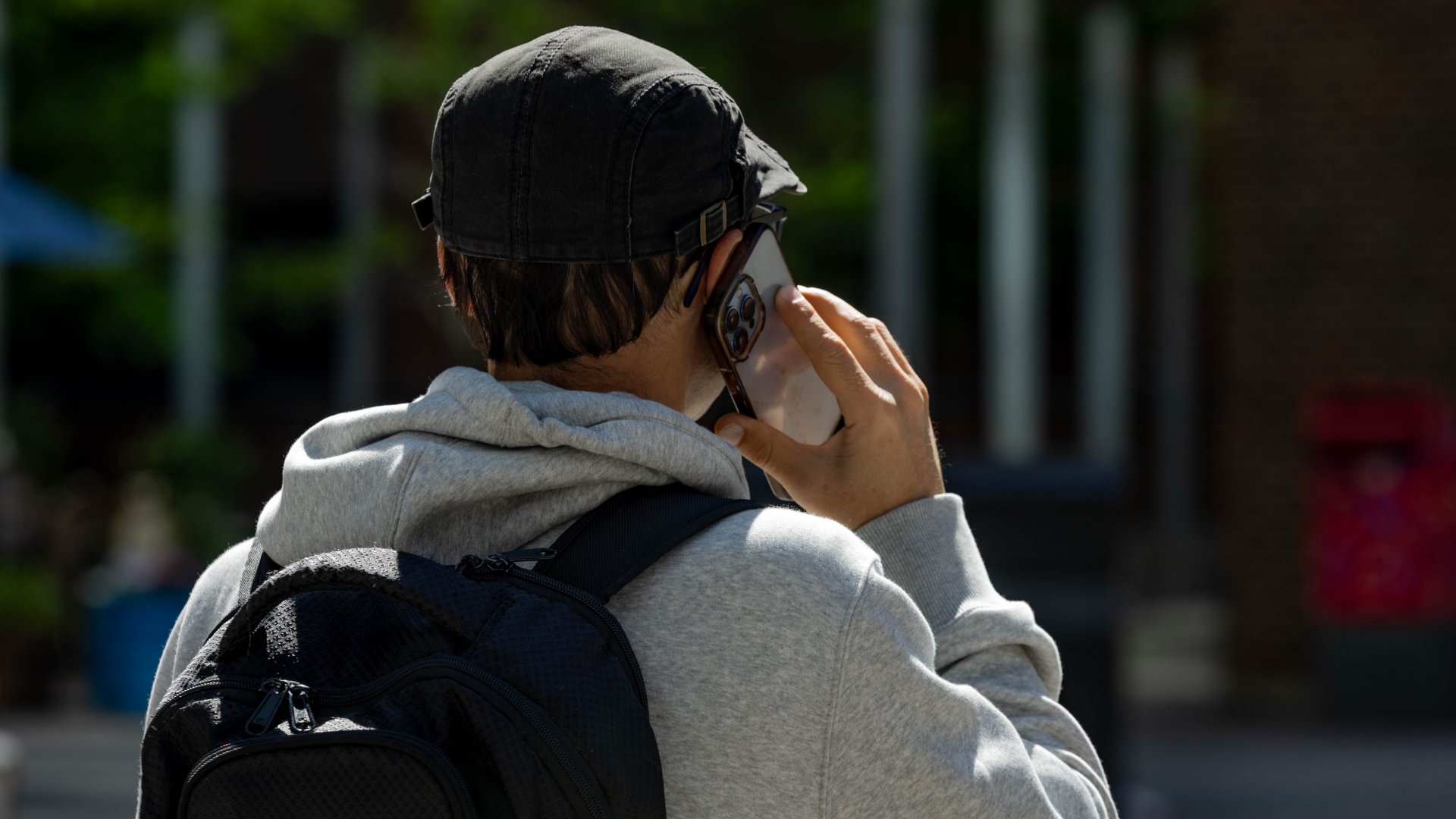
The 2026 Protection Landscape: Four Paths for Renters
Not all coverage is created equal. Depending on your tech stack and your budget, you generally have four paths to protection.
1. Manufacturer Programs (AppleCare+, Samsung Care+)
These are brand-specific and focus on hardware integrity.
- The Benefit: You get genuine parts and priority service directly from the people who built the device. In 2026, many of these plans now offer $0 battery and screen replacements for a lower monthly fee.
- The Trade-off: It’s expensive if you own multiple brands (e.g., an iPhone and a Dell laptop) because you have to pay for separate, premium policies for each.
2. Carrier-Based Insurance
These plans (AT&T, Verizon, T-Mobile) add a monthly fee directly to your wireless bill.
- The Benefit: They are excellent for "Total Loss" scenarios. If your phone is stolen, they can often have a replacement at your door the next day. Many 2026 carrier plans have also lowered screen repair deductibles to $0.
- The Trade-off: They tend to be the most expensive monthly option, with premiums ranging from $18 to $26 per device for high-tier models.
3. Third-Party Bundles (AKKO, Upsie, SquareTrade)
These providers allow you to protect multiple devices—phones, laptops, and even wearables—under one flat monthly fee or a unified portal.
- The Benefit: This is the most practical choice for renters with a "tech bag" (laptop + phone + tablet). It’s centralized and often cheaper than individual plans.
- The Trade-off: Repair turnaround times can be slightly longer than manufacturer programs, and you may be required to mail in your device.
4. Credit Card Benefits
Some premium credit cards offer "free" cell phone protection if you pay your monthly wireless bill with that card.
- The Benefit: There is no additional monthly premium.
- The Trade-off: Coverage limits are usually capped (often around $600), which won't cover a full replacement of a 2026 flagship phone.

What to Check in the Fine Print
Before you sign up, skip the marketing headlines and look at these three practical metrics:
1. The Deductible Structure
Claim Type
Typical 2026 Deductible
Screen Repair
$0 – $29
Accidental Damage
$49 – $99
Loss or Theft
$149 – $249
2. Claim Limits
Some plans offer unlimited accidental damage repairs but cap "Loss and Theft" claims at two per year. If you’re prone to leaving things in Ubers or shared rides, check these limits carefully.
3. Mechanical Breakdown
Your manufacturer warranty usually expires after 12 months. A good insurance plan should act as an extended warranty, covering internal hardware failures (like a dead charging port or failed internal sensor) in years two and three.
How to File a Claim (Without the Headache)
The goal of insurance is to reduce stress, not add to it. If you need to file a claim, have these three things ready:
- Proof of Ownership: Keep your digital receipts in a dedicated email folder.
- The Device ID: Know your IMEI or Serial Number. (Pro tip: Take a screenshot of these now and save them to the cloud).
- The Incident Report: If your device was stolen, most 2026 insurers require a police report. Many cities now allow you to file these online for "lost property."
The Bottom Line: Is it Worth It?
Insurance is about risk management. To decide if you need it, perform this quick audit:
- Insure it if: You own a flagship phone ($1,000+), you don't have $500 in emergency savings, or you rely on your device for work.
- Skip it if: Your device is over 3 years old, or you have a sturdy case and a high-yield savings account ready to cover a replacement.
For most renters, a $15 monthly premium is a practical way to ensure that one bad Monday doesn't derail your finances. It’s about protecting the tools that power your life.
For the 2026 renter, device insurance is about maintaining your lifestyle. Standard renters insurance often has deductibles too high for tech repairs, so look for dedicated plans with low screen-repair fees and accidental damage coverage to keep your "digital bag" protected.