Why This Comparison Matters for Renters
Let’s be honest: the electronics inside a typical apartment are often the most expensive things in it. Replacing just a few key items today can easily set you back thousands of dollars—think of a $1,200 smartphone, a $1,000 gaming laptop, and a $900 OLED TV. Toss in a gaming console, some smart home tech, and premium headphones, and your living room setup can comfortably top $5,000.
At Homebody.com, we look at this like a neighbor who has cracked a few screens themselves—not an insurance agent trying to sell you fear. It’s easy to use terms like "carrier plan," "extended warranty," and "insurance" interchangeably at checkout, but the fine print matters.
Before you purchase a plan, request a quote, or accidentally pay twice for the same coverage, let’s break down how these protection options actually work.
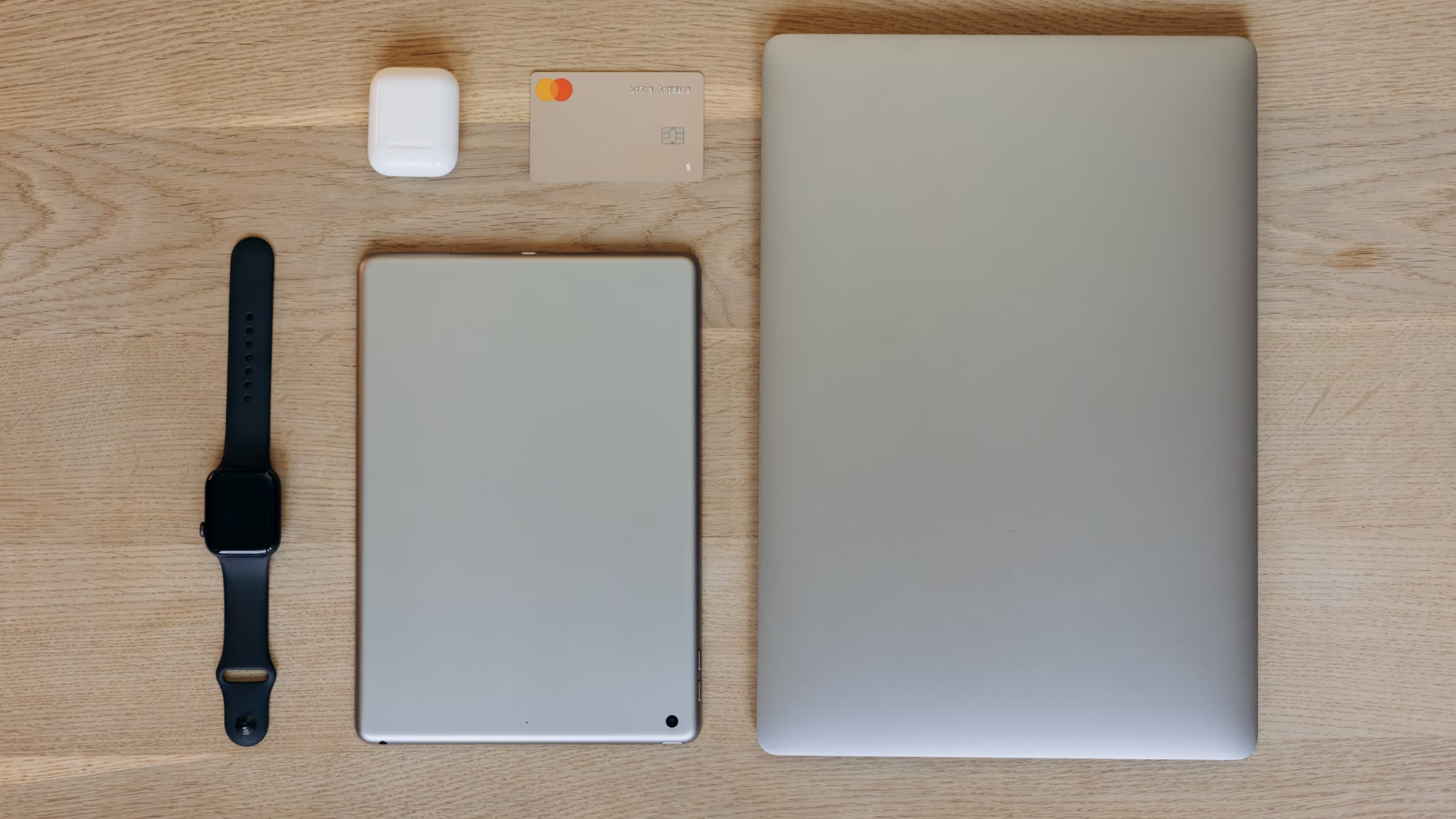
[IMAGE NOTE] An overhead, clean flat-lay photo of modern tech essentials on a wooden table: a smartphone with a sleek case, a laptop, wireless earbuds, and a smartwatch. The lighting is bright and modern.
What Is Device Insurance (a.k.a. a Device Protection Plan)?
Device insurance is a subscription-based service designed to shield your wallet from the unpredictable nature of daily life. Usually purchased through a wireless carrier, a manufacturer, or a third-party provider within 30 days of buying your tech, these plans cost anywhere from $6 to $25 per month depending on the value of the device.
Unlike standard manufacturer coverages, device insurance is explicitly built for external mishaps. A standard policy typically covers:
- Accidental damage: Drops, cracked screens, and structural breaks.
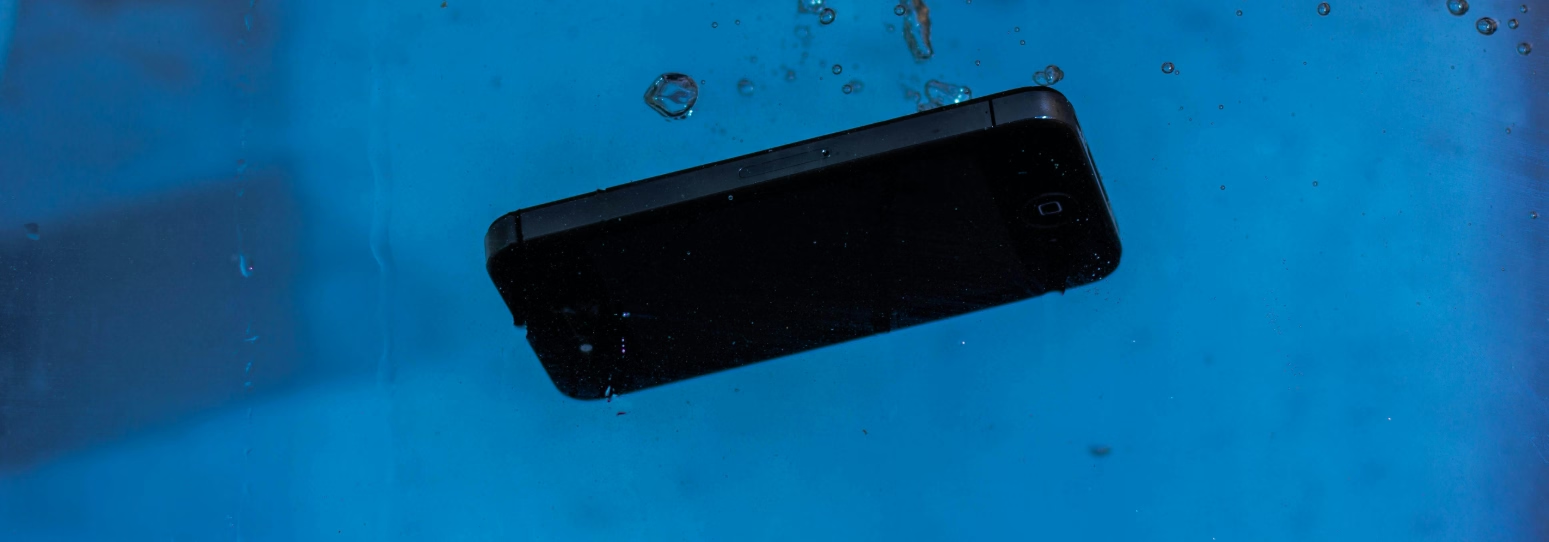
- Liquid damage: Coffee spills and accidental drops in the sink.
- Loss and theft: Full device replacement if your tech vanishes or gets stolen.
Many modern plans are highly flexible, allowing you to protect everything from smartphones and tablets to wearables, smart speakers, and gaming consoles.
If disaster strikes, you won't get off entirely scot-free—you will have to pay a deductible. However, paying a $29 deductible for a cracked screen repair or a $99 to $250 deductible for a total hardware replacement is significantly easier to swallow than buying a brand-new device at retail price.
What Is an Extended Warranty?
An extended warranty is a service contract offered by a retailer or manufacturer that essentially extends the life of the original factory warranty. Its sole focus is mechanical or electrical defects under normal use—not "life happening."
For example, if you buy a three-year extended warranty for a TV, it will comfortably cover an internal power supply failure in year two. It will not reimburse you if a roommate knocks the TV over, a pet chews through the main internal wiring, or you spill wine across a laptop keyboard.
You will typically see these offered as a one-time fee at checkout. If you go this route, remember to keep your receipts and register the product online. Be aware that your coverage eligibility can be voided by unauthorized modifications, third-party repairs, or missing documentation.
Side-by-Side: Device Insurance vs. Extended Warranty
When deciding how to protect your investment, the differences between these two options come down to five key factors:
- Primary Focus: Device insurance is built for real-world accidents like liquid spills, cracks, theft, and loss. Extended warranties only cover internal mechanical or electrical defects that happen during normal, careful use.
- Timing: Insurance coverage usually begins on day one of your plan enrollment. Extended warranties usually only become relevant after the manufacturer's first-year warranty has completely expired.
- Payment Model: Insurance functions as an ongoing monthly or annual subscription premium. Extended warranties are typically a one-time, fixed fee paid upfront at checkout.
- The Claims Process: If you have insurance, you can generally expect rapid repair or an expedited device replacement after paying a deductible. Warranty claims often involve manufacturer troubleshooting, mailing your item away, and waiting through processing periods.
- Common Exclusions: While insurance generally won't cover minor cosmetic scratches, normal wear and tear, or software viruses, extended warranties exclude any damage whatsoever caused by accidents, environmental factors, or pets.
With over 50 million smartphones damaged every year, understanding this distinction is crucial. If you drop your phone down a flight of concrete stairs, an extended warranty provider will politely inform you that accidental damage isn't covered. Device insurance, on the other hand, is built exactly for that moment.
Where Does Renters Insurance Fit In?
Renters insurance is designed to protect your belongings from catastrophic "perils"—think fires, lightning strikes, vandalism, or burst pipes. If a kitchen fire damages your laptop and television, renters insurance is there to save the day. If you simply knock a mug of coffee onto your keyboard while working from the couch, it won't cover it.
The biggest hurdle with using renters insurance for electronics is the deductible. Renters policies usually carry a $500 or $1,000 deductible. If your $800 phone is stolen, a $500 deductible means you're only getting $300 back from your insurer—and you risk raising your monthly premium by filing a minor claim.
Expert Tip: For high-end electronics, look into adding a "scheduled personal property" endorsement to your renters policy. It can lower your deductible for specific high-value items, but you should still compare its cost against a standalone device insurance plan.
How Claims Really Work: What to Expect
Filing a device insurance claim shouldn't be a mystery. Most modern providers use a straightforward digital workflow:
- File the Claim: Log into the provider's app or web portal. You will need to provide the date of the incident, a brief description of what happened, the device serial or IMEI number, and your proof of purchase.
- Security Verification: To protect your data and prevent fraud, the provider will run a secure identity check. Expect to complete a quick multi-factor authentication step, such as entering an SMS code, clicking a secure email link, or uploading a government ID.
- Claim Approval: Once verified, the platform will outline your options. Depending on the damage and your plan, you will either be directed to a local certified repair partner, given a prepaid shipping label for a mail-in repair, or approved for an expedited replacement device.
- Pay the Deductible: You will pay your flat deductible upfront so the repair or replacement can be processed.
How to Choose the Right Protection Plan for Your Tech
To find the right balance between cost and peace of mind, use this three-step checklist:
- Evaluate Your Risk Profile: Consider your lifestyle. Do you travel frequently, commute on public transit, or have pets, kids, or clumsy roommates? A chaotic environment heavily favors comprehensive device insurance.
- Tally the Replacement Math: List the core tech you rely on daily. If your laptop or phone died tomorrow, could you comfortably afford to replace it out of pocket? If the total replacement cost makes you wince, transferring that risk to an insurance plan is a smart move.
- Analyze Customer Feedback: Before buying any plan, read real customer reviews. Look for feedback regarding how quickly claims are approved, how helpful customer support is, and whether users frequently encounter hidden fees.
Lifestyle Tips to Protect Your Devices (Before You Need Insurance)
Prevention is always more affordable than paying a premium or a deductible. Developing a few mindful tech habits can save you a massive headache down the road:
- Invest in Premium Armor: High-quality, shock-absorbent cases and tempered glass screen protectors pay for themselves the very first time a device hits the floor.
- Establish a Tech "Drop Zone": Create a dedicated charging station or tray near your entryway or desk. Keeping devices off couch armrests and away from table edges drastically reduces accidental falls.
- Practice Environmental Separation: Keep drinks, liquids, and snacks completely clear of your laptop keyboard and gaming consoles.
- Enable Tracking and Backups: Always turn on automated cloud backups and location tracking services (like Find My or Find My Device). If your hardware is lost forever, your irreplaceable data won't be.
The ultimate strategy? Combine careful daily habits with targeted coverage for the specific devices you simply cannot afford to replace out of pocket.
Accidents, theft, and spills are the biggest threats to modern electronics—and that's where device insurance shines. Extended warranties only cover mechanical or electrical failures after the manufacturer's warranty expires. Renters insurance may help with major disasters like fire or theft, but high deductibles often make it impractical for everyday tech claims. The right protection depends on your lifestyle, replacement costs, and risk tolerance, but understanding the differences can save you from paying for overlapping coverage or facing expensive surprises.